Scan or import
Use the document scanner, camera, or Photo Library. Add up to 50 images to one PDF.
Made for iPhone
Scan documents or choose photos, put every page in order, and create a clean PDF right on your iPhone.

No account requiredCreate PDFs locally
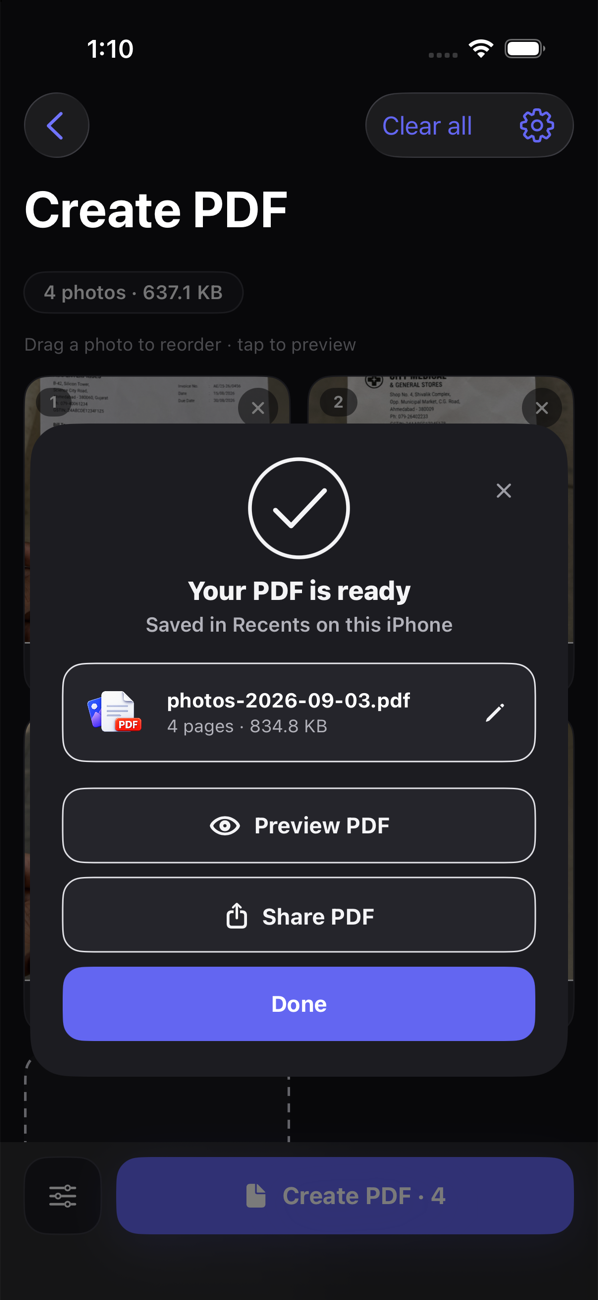
Start with what you have, arrange it the way it should read, then make a PDF that’s easy to keep or share.
Use the document scanner, camera, or Photo Library. Add up to 50 images to one PDF.
Drag to reorder, rotate a page, or choose Original, Auto enhance, or Black & white.
Your PDFs appear in Recents, ready to search, rename, preview, share, or delete.
PhotoPDF creates your documents locally without requiring an account or uploading your files. You decide when and where to share them.
Turn photos, receipts, notes, forms, and everyday paperwork into a file you can keep or send.